
CoachSuit blog
Published August 11, 2026
How to Transition Fitness Clients from WhatsApp & Spreadsheets to Your Own Branded App
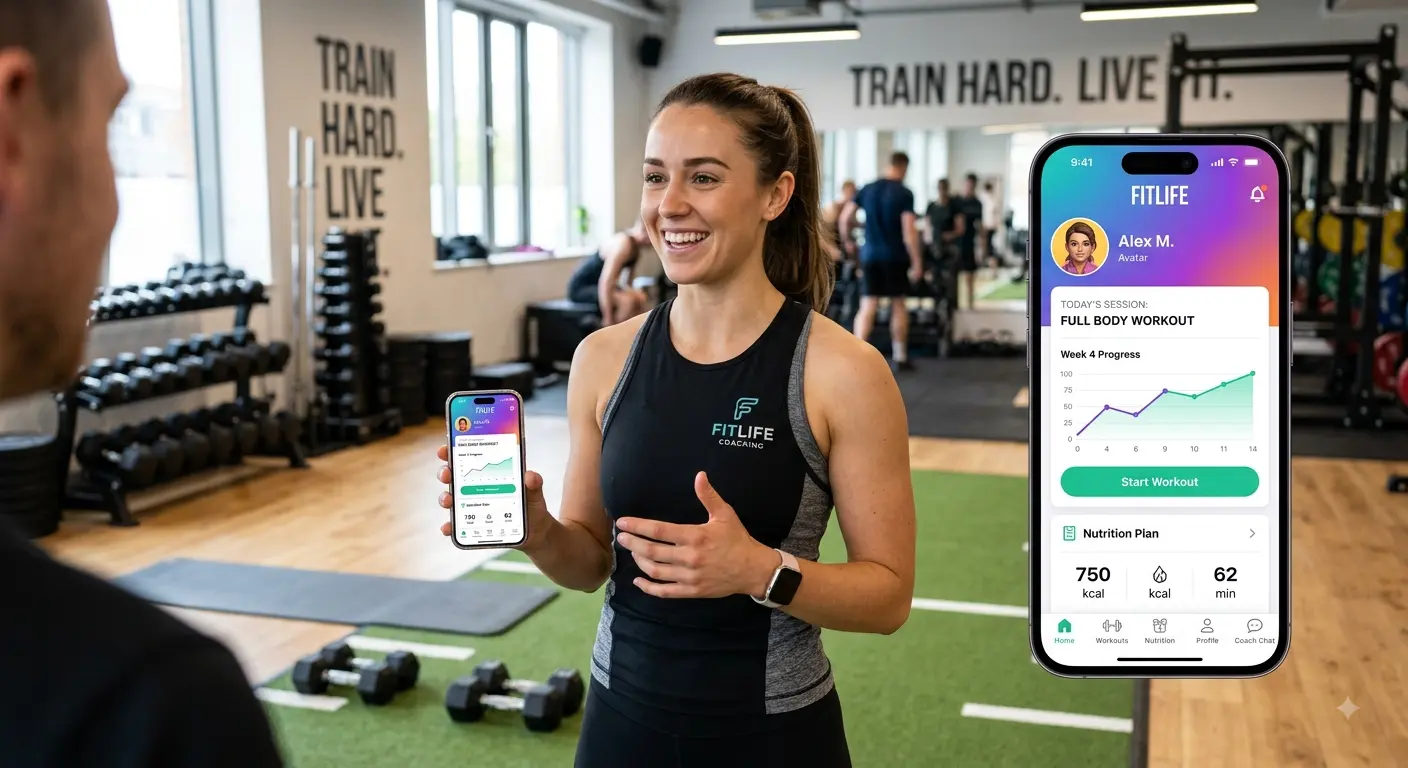
When you start an online fitness coaching business, simplicity is your best friend. In the beginning, managing five or ten clients using WhatsApp messages, Google Sheets for workout programming, and Loom for video form checks feels fast, flexible, and free.
However, as your client roster grows past 20, 30, or 50 clients, that very same setup becomes a quiet operational nightmare. You end up scrolling endlessly through message histories to find a client’s old check-in photo, losing track of updated program sheets in Google Drive, and spending hours re-recording form feedback because old voice notes are buried under daily banter.
Transitioning your coaching operation into your own custom branded mobile app is the single highest-leverage move you can make to reclaim your time, elevate your brand authority, and boost client retention.
Why Fragmented Tools Are Secretly Damaging Your Coaching Business
Before looking at the migration process, it’s critical to understand why staying on WhatsApp and spreadsheets actually costs you more than investing in a dedicated app platform.
If you’re charging premium rates, fragmented delivery quietly signals “commodity trainer” instead of “high-end coaching system.”
The Perceived Value Problem
When clients pay $300, $500, or $1,000+ per month for high-accountability coaching, delivering that service through a shared Google Sheet and WhatsApp voice notes dilutes your professional perception. A custom branded mobile app with your logo on their home screen instantly shifts your service from a freelance trainer to a premium coaching experience.
Information Chaos and Burnout
WhatsApp combines personal chats, urgent questions, social chatter, and coaching check-ins into one unorganized stream. Without boundaries, your client data (personal records, body metrics, injury history) becomes scattered across chats and notes apps, and your weekly workload balloons as you hunt for context.
Zero Scalability
Updating 30 individual Google Sheets every week requires manual editing, copying cells, verifying links, and chasing “did you see my message?” reminders. In a structured coaching app, workout templates, exercise video libraries, and automated check-ins help you manage three times as many clients in half the time.
Phase 1: Pre-Launch Preparation (Building the Foundation)
The secret to a seamless transition is doing 90% of the legwork before your clients even download the app. If you invite clients into an incomplete app, they will default right back to messaging you on WhatsApp.
Step 1: Standardize Your Workout & Content Library
Before migrating anyone, build your foundational assets inside your app portal so clients always know where to find what they need.
- Exercise Video Library: Upload clear, short (15–30 second) movement demonstrations. Organize videos by muscle group and movement pattern.
- Core Program Templates: Convert your most popular training phases (for example: 4-day Hypertrophy, 3-day Fat Loss, Home Dumbbell) into reusable master templates.
- Onboarding Forms: Create standard health history, goal setting, and weekly check-in forms directly within the platform.
Step 2: Set Up Client Profiles in Advance
Do not ask your clients to configure their own accounts from scratch. Pre-populate their profiles with their active workout programs, current targets, and nutrition guidelines before sending login credentials, so their next workout is ready the moment they open the app.
Phase 2: How to Position the Move to Your Clients
The biggest fear coaches have when moving off WhatsApp is client pushback. Clients hate friction. If they feel this change is an inconvenience for them, they may resist.
The key is framing the transition not as an administrative change for you, but as an exclusive VIP upgrade for them.
The Client Announcement Script
Send this message across your current communication channel (email or broadcast message) 7 to 10 days before launch: “Hey [Client Name]! Quick update on something big we’ve been working on behind the scenes. To give you a significantly better coaching experience, more precise progress tracking, and faster support, we are officially launching our custom mobile app next week! Starting on [Launch Date], everything we do—your custom workout programs, video exercise demonstrations, progress tracking, and direct coaching messaging—will live in one private, beautifully organized place right on your phone. This will make logging your workouts faster, tracking your progress seamless, and getting feedback from me easier than ever. Keep an eye out for your private invite link on [Launch Date]. I’ve already pre-loaded your entire plan into your account so you won't miss a beat!”
Set Expectations Clearly
Tell clients exactly what will improve (faster check-ins, organized progress, easier access to exercise cues) and reinforce that you’re reducing their “search and scroll” time—not adding friction.
Phase 3: The 7-Day Migration Protocol
To avoid overwhelmed support requests, do not launch all your clients at once. Use a phased rollout.
A 7-day migration window keeps the process structured and gives you time to fix edge cases before the next group joins.
Day-by-day rollout
Use the protocol below to migrate clients in small batches, reduce confusion, and protect your support time.
- Day 1 (Preparation): Confirm every migrated client has an active template, the correct plan phase, and access to any required onboarding forms. Run a quick “happy path” test by checking that the latest workout appears and links to the right exercise videos.
- Day 2 (Pilot Group): Move 5–10 clients first. Ask them to complete one workout log and one form/check-in within 24 hours so you can spot friction early.
- Day 3 (Support Window): Reply quickly to pilot questions and update your messaging. If multiple clients struggle with the same step, create one short “How to” instruction and post it inside the app or in your client broadcast message.
- Day 4 (Migration Guidance): Start migrating the next group, but emphasize the new boundary: coaching messages and form feedback should happen inside the app (so you don’t lose context like you did on WhatsApp).
- Day 5–6 (Quality Control): Check for missing program phases, broken links to videos, or mismatched check-in schedules. Fix issues immediately before you add more clients.
- Day 7 (Scale Up): Migrate the next batch. When your checklist is stable, you can run weekly migrations without burning out.
Final takeaway
Transitioning clients from WhatsApp, Google Sheets, and Loom into a custom fitness app is how you learn to transition clients from whatsapp to fitness app without operational burnout.
A custom fitness app for trainers (including a white label coaching app experience) isn’t just a nicer interface—it creates an online coaching onboarding system and gives you a clear how to organize fitness clients process around structured workouts, check-ins, and feedback.
If you want a faster path, explore CoachSuit for personal trainers or CoachSuit for gyms to launch a branded app experience without rebuilding your entire operations from scratch.
Transitioning off WhatsApp FAQ
- Will clients push back if I take them off WhatsApp?
- Some clients will resist any change, but the pushback drops when you frame the transition as a VIP upgrade and pre-load their entire plan. Use a 7-day phased rollout so you can support early adopters and smooth out friction.
- What should I set up before clients download the app?
- Prepare your exercise video library, core program templates, and onboarding/check-in forms first. Then pre-populate each client profile with their active workouts, targets, and nutrition guidelines so they see value immediately.
- How do I migrate multiple client programs without chaos?
- Use standardized templates and organize everything inside your app portal. Instead of editing individual spreadsheets, configure reusable program phases and schedule check-ins automatically.
- What if a client asks for help outside the app?
- Set a clear communication boundary during onboarding: coaching messages and feedback should be sent through the app. This protects your client context and prevents the “search through chats” burnout you’re trying to eliminate.
- Why does a branded app help with coaching retention?
- Clients retain more often when the experience feels organized, premium, and effortless. A branded fitness app for trainers keeps workouts, progress tracking, and exercise guidance in one place—so clients actually use the system consistently.
Ready to transition clients into your branded coaching app?
Book a demo and see how CoachSuit creates an online coaching onboarding system with a custom branded app experience (without client friction).
Book a free demo